1. Complete Policy Overview: Mukhyamantri Kanya Utthan Yojana 2026
Promoting female education, reducing child marriage rates, improving sex ratio at birth, and fostering economic independence among women are core policy goals of the Government of Bihar. To achieve these transformative objectives, the Social Welfare Department and Department of Education, Government of Bihar, launched the flagship Mukhyamantri Kanya Utthan Yojana (MKUY).
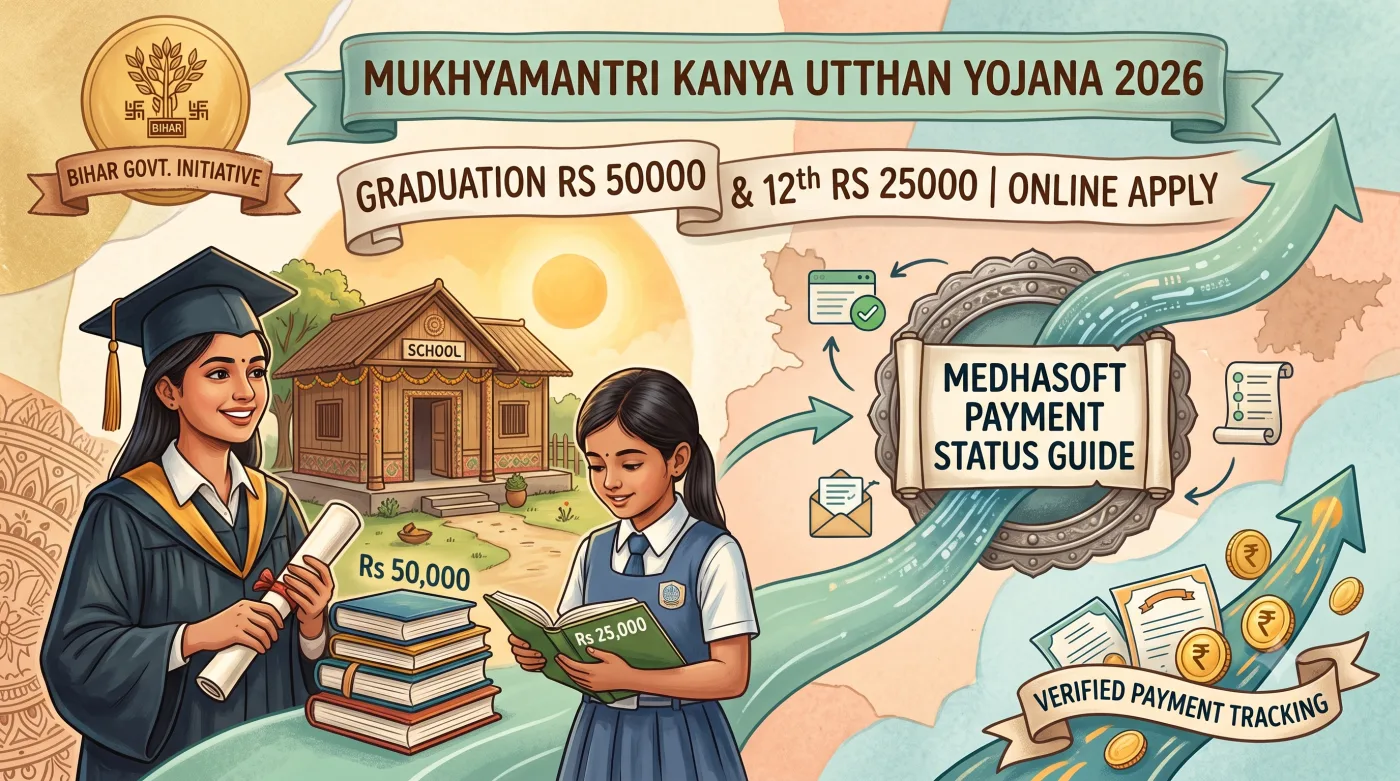
This comprehensive welfare scheme supports female children right from birth up to the completion of their university graduation degree. Under the revised financial guidelines of 2026, female students who pass their Bachelor's Graduation Degree (BA, B.Sc, B.Com, BBA, BCA, B.Tech, etc.) from recognized universities in Bihar receive a direct one-time incentive of Rs 50,000 (Rupees Fifty Thousand Only). Similarly, female students who pass Class 12th Intermediate examination from the Bihar School Examination Board (BSEB Patna) receive Rs 25,000 (Rupees Twenty-Five Thousand Only).
Key Financial Grants & Incentive Breakdown
- Graduation Degree Pass (Any Stream): One-Time Incentive Grant of Rs 50,000 directly credited via Direct Bank Transfer (DBT).
- Class 12th Intermediate Pass (BSEB): One-Time Incentive Grant of Rs 25,000 for Unmarried Female Candidates.
- Universal Category Benefit: Applicable to female candidates of All Categories (General, EWS, BC, EBC, SC, ST) with zero caste or family income restriction.
- Official Web Portal: Managed digitally via Medhasoft Portal (
medhasoft.bih.nic.in).
2. Life-Cycle Financial Incentive Matrix (Birth to Graduation)
The Mukhyamantri Kanya Utthan Yojana offers a phased financial assistance structure across various developmental milestones of a female child in Bihar. The complete stage-wise financial matrix is detailed below:
| Stage / Milestone | Incentive Amount (Rs) | Eligibility & Department Channel |
|---|---|---|
| Birth of Female Child | Rs 2,000 | Health Department / Social Welfare (ICDS Portal) |
| 1 Year Age (Complete Vaccination) | Rs 1,000 | Health Department Immunization Record |
| 2 Years Age (Aadhaar Registration) | Rs 2,000 | Child Aadhaar Enrollment Mapping |
| Class 1st to 2nd (Uniform Allowance) | Rs 600 Annual | Education Department (Medhasoft DB) |
| Class 3rd to 5th (Uniform Allowance) | Rs 700 Annual | Education Department School Enrollment |
| Class 6th to 8th (Uniform & Sanitary Napkins) | Rs 1,000 + Rs 300 | Middle School Medhasoft DBT |
| Class 9th to 12th (Uniform Allowance) | Rs 1,500 Annual | High School / Inter College DBT |
| Class 10th Matric Pass (1st Division) | Rs 10,000 | Mukhyamantri Balika Protsahan Yojana |
| Class 12th Intermediate Pass | Rs 25,000 | Mukhyamantri Kanya Utthan (Inter Level) |
| Graduation Degree Pass (BA, B.Sc, B.Com) | Rs 50,000 | Mukhyamantri Balika (Snatak) Protsahan Yojana |
3. Comprehensive Eligibility Criteria for Graduation Rs 50,000 Grant
To qualify for the Rs 50,000 Graduation scholarship under the Mukhyamantri Balika (Snatak) Protsahan Yojana, female applicants must meet the following eligibility conditions:
- Gender & State Domicile: The applicant must be a female citizen who is a permanent domicile resident of Bihar State.
- University Graduation Qualification: The student must have passed her Bachelor's Degree (BA, B.Sc, B.Com, B.Tech, BCA, BBA, B.Pharma, MBBS, etc.) from a recognized university or affiliated degree college located in Bihar.
- Result Declaration Date Window: The candidate's final graduation result must have been officially declared within the batch notification window approved by the Education Department, Government of Bihar.
- Marital Status Rule: Unlike the 12th Intermediate benefit, both Married and Unmarried female graduates are 100 percent eligible to receive the Rs 50,000 graduation grant.
- No Caste or Income Restriction: Female students belonging to General, EWS, Backward Class (BC), Extremely Backward Class (EBC), Scheduled Caste (SC), and Scheduled Tribe (ST) categories are all eligible without any minimum/maximum income ceiling.
- Single-Benefit Rule: A student can receive the Graduation grant of Rs 50,000 only once for completing her first Bachelor's degree.
4. Approved List of Universities in Bihar Covered Under MKUY
Degree results declared by the following traditional state universities, central universities, open universities, and autonomous deemed institutes in Bihar are eligible for online registration on the Medhasoft portal:
- Patna University, Patna (PU)
- Patliputra University, Patna (PPU)
- Magadh University, Bodh Gaya (MU)
- Babasaheb Bhimrao Ambedkar Bihar University, Muzaffarpur (BRABU)
- Tilka Manjhi Bhagalpur University, Bhagalpur (TMBU)
- Veer Kunwar Singh University, Ara (VKSU)
- Lalit Narayan Mithila University, Darbhanga (LNMU)
- Jai Prakash University, Chapra (JPU)
- Bhupendra Narayan Mandal University, Madhepura (BNMU)
- Munger University, Munger
- Purnea University, Purnea
- Kameshwar Singh Darbhanga Sanskrit University, Darbhanga (KSDSU)
- Maulana Mazharul Haque Arabic and Persian University, Patna (MMHAPU)
- Nalanda Open University, Patna (NOU)
- Bihar Agricultural University, Sabour (BAU)
- Bihar Animal Sciences University, Patna (BASU)
- Aryabhatta Knowledge University, Patna (AKU)
- IGNOU Regional Centres in Bihar (Patna, Darbhanga, Saharsa) - Approved Degrees
5. Mandatory Document Checklist for Online Registration
Before initiating online registration on the Medhasoft portal (medhasoft.bih.nic.in), candidates must keep the following scanned documents ready in PDF and JPEG formats:
- Graduation Final Marksheet / Consolidated Scorecard: Showing candidate name, roll number, registration number, college name, and pass status (Original PDF/JPG scan).
- Graduation Admit Card or Registration Slip: For verifying university registration number and session.
- Permanent Residence Certificate (Nivas Praman Patra): Issued by Revenue Officer (RO) / Circle Officer (CO) of Bihar in the candidate's name.
- Aadhaar Card of Female Candidate: Name on Aadhaar Card must match the name on the Graduation Marksheet.
- Candidate Personal Bank Account Passbook: Active bank account in any scheduled nationalized bank branch located in Bihar. The bank account must be single (not joint) and mapped with Aadhaar in NPCI portal.
- Active Mobile Number & Email ID: For receiving Registration ID, User ID, and OTP verification.
- Passport Size Color Photograph: Recent photograph (File size under 50 KB).
- Signature Image: Scan of candidate signature on white paper (File size under 20 KB).
6. Step-by-Step Online Registration Guide on Medhasoft Portal
Follow these detailed steps to complete online registration for Mukhyamantri Kanya Utthan Yojana (Graduation Rs 50,000):
Step 1: Accessing Medhasoft Portal
- Open your web browser and navigate to official website: medhasoft.bih.nic.in.
- Click on the link titled "Mukhyamantri Kanya Utthan Yojana : Mukhyamantri Balika (Snatak) Protsahan Yojana".
- Click on "Student Registration" on the portal navigation bar.
Step 2: Accepting Guidelines & Terms
- Read all terms regarding bank account Aadhaar seeding and degree authenticity carefully.
- Check all four mandatory declaration checkboxes confirming:
- I have passed Graduation from a recognized university in Bihar.
- My bank account is open in my name in a bank branch located in Bihar and seeded with Aadhaar.
- I understand that submitting false documents will lead to legal action.
- Click on "Continue" button.
Step 3: Verification of University & Student Details
- Select your University Name from the dropdown list.
- Enter your official University Registration Number / Enrollment Number.
- Enter your Final Marksheet Number / Roll Number exactly as printed on the graduation marksheet.
- Enter your Father's Name as recorded in university records.
- Click on "Get Details". The portal will automatically display the student's name if the university has pre-uploaded her degree result data.
Step 4: Aadhaar & Mobile Verification
- Enter Candidate Name as per Aadhaar Card, Gender (Female), Date of Birth, and Aadhaar Number.
- Click on "Verify Aadhaar". Upon successful match, green verification indicator appears.
- Enter active Mobile Number and click "Send OTP". Enter the received OTP.
- Enter active Email ID and verify via Email OTP.
Step 5: Entering Bank Account & Address Details
- Select Bank District, Bank Name, and enter IFSC Code.
- Enter your 16-digit Personal Savings Bank Account Number twice for confirmation.
- Enter Residential Address details including District, Block, Panchayat, and Pin Code.
- Click on "Submit" to complete Phase 1 Registration. A Registration Acknowledgment Slip will be generated.
Step 6: User ID Password Generation & Final Application Submission
- After Phase 1 submission, the Bihar Education Department verifies bank account details with PFMS / Bank server and Aadhaar data.
- Within 3 to 7 working days, a official User ID and Password is sent to the candidate's registered Mobile Number and Email ID.
- Log in to Medhasoft portal using User ID and Password.
- Upload scanned copy of Graduation Marksheet PDF, Residential Certificate PDF, and Photo/Signature.
- Click on "Finalize Application". Verify the preview modal and click final submit.
7. Bank Account Aadhaar Seeding (NPCI / Direct Bank Transfer - DBT) Process
A large percentage of scholarship payment rejections occur because the candidate's bank account is not properly mapped with Direct Benefit Transfer (DBT) on the National Payments Corporation of India (NPCI) server. Follow these guidelines to ensure smooth payment:
Mandatory Bank Account Guidelines
- Single Account Only: The bank account must be a single savings account exclusively in the name of the female candidate. Joint accounts or parents' accounts are strictly rejected.
- Bihar Bank Branch: The bank branch must be located within the geographical boundaries of Bihar State.
- Aadhaar NPCI Mapping: Visit your bank branch and submit a written "Aadhaar Seeding / Mandate Consent Form for DBT". Request the bank official to link your account to NPCI mapper for receiving Central/State Government DBT payments.
8. How to Check Medhasoft Payment Status & Category Wise Student List
Candidates can easily track their application processing stage and payment disbursement status online through the Medhasoft portal by following these steps:
- Visit medhasoft.bih.nic.in and select Mukhyamantri Balika (Snatak) Protsahan Yojana.
- Click on "Reports" tab on the main navigation bar.
- Select "Click Here to View Student Status".
- Enter your University Registration Number or Bank Account Number and click "Search".
- The system will display individual status milestones:
- College Verification: Verified by Nodal Officer
- University Verification: Verified by Registrar
- HQ Approval: Approved by Education Dept Headquarter
- Bank Verification: Verified by PFMS
- Payment Status: "Ready for Payment" or "Payment Processed / Transferred" along with UTR Transaction Number.
9. Common Rejection Reasons & Online Objection Redressal
If your application status shows "Rejected" or "Query Raised", check the table below for immediate corrective actions:
| Rejection / Error Reason | Probable Cause | Corrective Action / Solution |
|---|---|---|
| Name Mismatch | Spelling difference between Aadhaar and Graduation Marksheet | Update name spelling on Aadhaar Card at Aadhaar Seva Kendra to match marksheet exactly. |
| Bank Account Rejected by PFMS | Account inactive, closed, joint account, or IFSC code changed due to bank merger | Log in to Medhasoft using User ID, update new active Single Bank Account & updated IFSC Code. |
| Aadhaar Not Seeded in NPCI | Bank account not linked for DBT receiving on NPCI server | Visit bank branch, submit NPCI DBT Seeding Form, and verify status on UIDAI portal. |
| Father Name Mismatch | Typographical error during online form entry | Submit online correction request under 'Student Correction' tab before finalization. |
| Result Not Approved by University | College/University degree list data not uploaded to Medhasoft DB | Contact University Nodal Officer to send your result list to Education Department Patna. |
10. Medhasoft Official Helpdesk & District Contact Details
For technical issues, registration queries, or payment status complaints regarding Mukhyamantri Kanya Utthan Yojana, candidates can reach out to official support channels:
- Official Web Portal: medhasoft.bih.nic.in
- Technical Helpdesk Email ID:
mkuysnatakbihar@gmail.com - Department Address: Higher Education Department, Development Bhawan, Vikas Bhawan, Bailey Road, Patna, Bihar - 800015
- District Contact Point: District Education Officer (DEO) Office located at your respective District Headquarters in Bihar.
User Discussion & Comments (0)
No comments yet. Be the first to leave a comment below!
Leave a Comment / Ask a Question: